
Work orders you fill in on your phone.
From drop-off to collection: tasks, parts, hours and photos on the same order, with the name of who did them.
Username demo.gestor, the password is the same.

A real work order, from the inside.
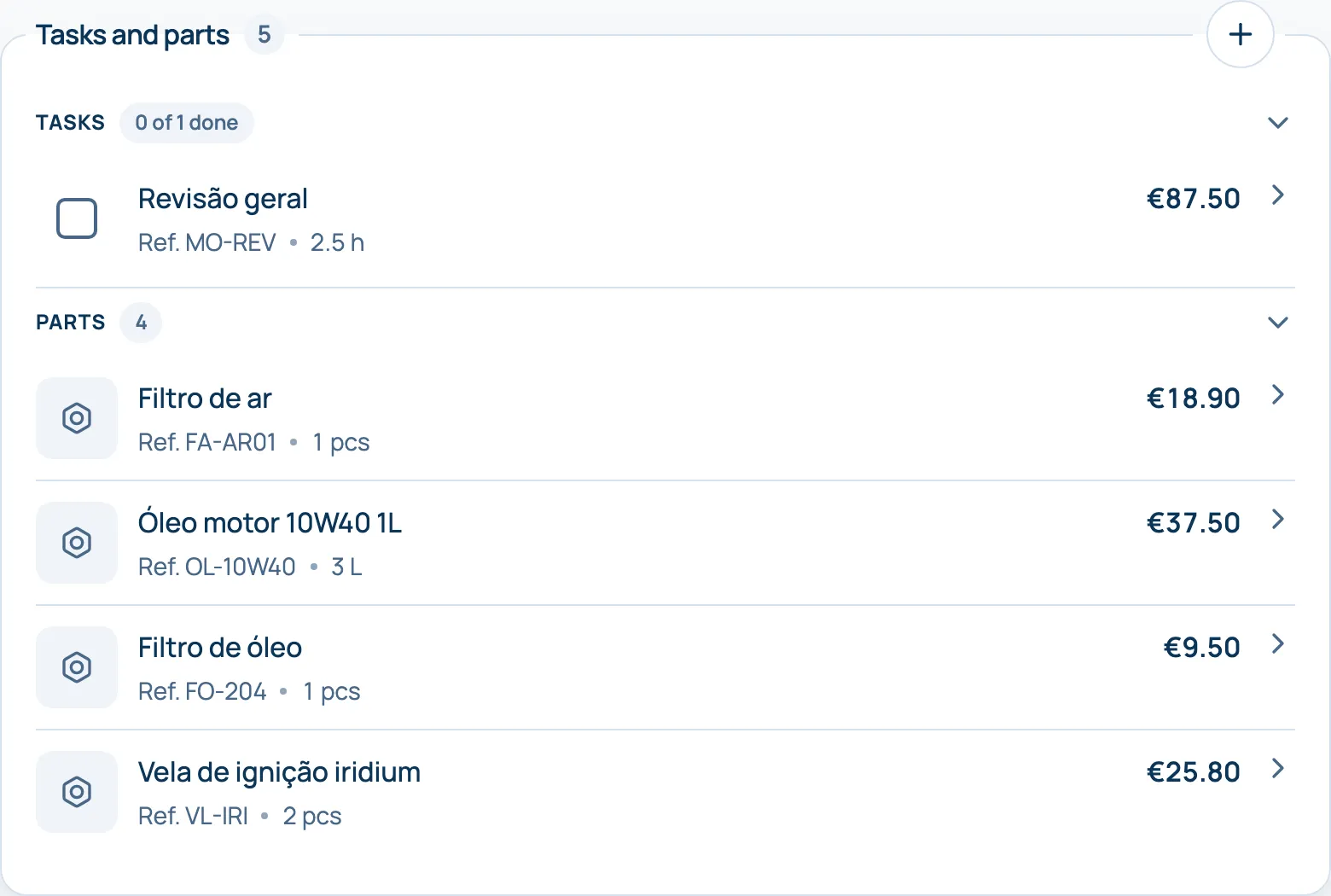
Tasks and parts, at the workshop’s prices
Each line with its reference, quantity and catalogue price, and labour with the hours. The manager sees the amounts; the mechanic only sees the work to do.
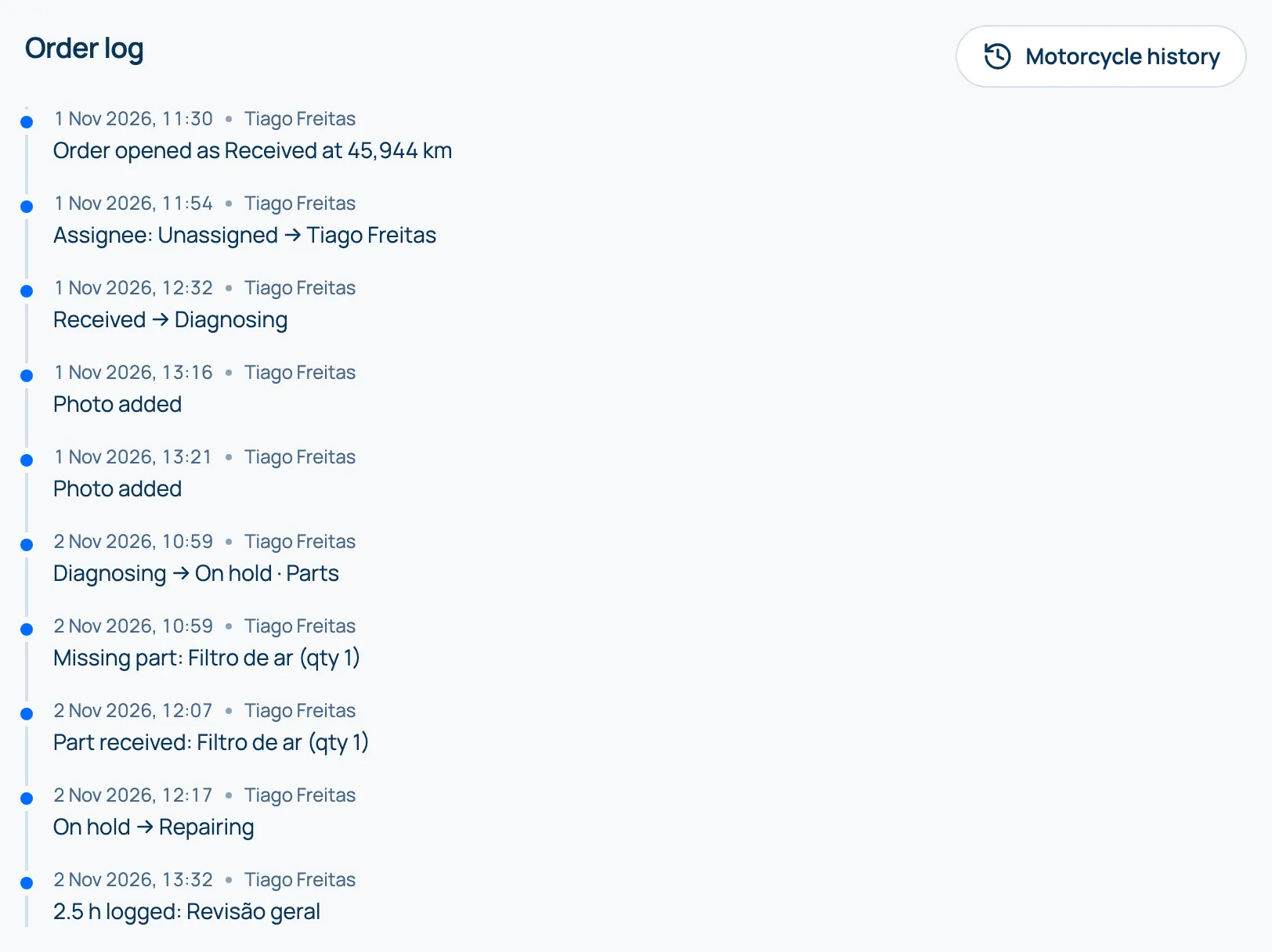
A log of everything that happened
Who opened the order and at what mileage, who took it, every status change, the photos, the part that was missing and when it arrived, the hours logged. Without asking anyone.
Photos on the work order
Take the photo on your phone and write what it shows: the bike on arrival, the worn part. Up to 10 per order, so it is clear why a part was replaced.


Everything done on the bike, in one place.
Opens from the bike
Search the plate and open the order from the bike’s page, with the mileage from the last visit already filled in. The first line of the diagnosis becomes the title, and numbering restarts every year.
Every job has a name
Tasks, parts and labour hours logged by each mechanic, and up to 10 photos per order.
The next status in one tap
Inside the order, the next step is a button: "It’s ready", "Put on hold…". Tapped the wrong one? Undo it within 8 seconds.
Stopped? The order says why
On hold asks for the reason: parts, customer approval, the customer, supplier or other. Missing parts are flagged on their own line, with "Arrived" one tap away.
A queue, not a pile
Open orders are listed with the bike that has waited longest in its status first. Filter by status, by mechanic and by alerts: stuck, to notify and to collect.
Offline, it keeps going
Opening orders, taking photos, logging hours and changing statuses work offline. Everything is sent when the connection comes back.
Frequently asked questions
Is the work order an invoice?
No. Invoices stay in your certified invoicing software. The work order organises the job and stays in the bike’s history.
Can mechanics see parts prices?
No. Prices and customers’ tax numbers are shown to the manager only.
Who is in charge of the order?
Whoever moves it forward: a mechanic who changes the status of an unassigned order takes it. The manager moves orders between mechanics and decides whether they can swap them among themselves.
How do I tell the customer the bike is ready?
The app prepares the message from your template. You copy it and send it on WhatsApp or Instagram: MotoGarageFlow never sends messages for you.
See also
Start with your workshop.
30 days free. Leave your details and we’ll call you. There’s no account to create: we set up the workshop and hand over the logins.
Want to look now? Sign in to the demo with the username demo.gestor (the password is the same).Open the demo
Request received.
We’ll call you to set up your workshop.
Development mode: nothing was sent.